Your website, framed for launch day.
Turn a plain screenshot into polished marketing images and animated videos in seconds. Ready for Product Hunt, X, LinkedIn, Instagram and your landing page.
Free · No sign-up · Your images stay on your device
From “just a screenshot” to scroll-stopping.
Device frames, considered typography, light and shadow. The design decisions a designer would make, made for you — and still fully editable.
- 01Drop. Upload, paste, or capture a public URL.
- 02Pick. Choose a template. Tweak copy, colour and framing.
- 03Export. PNG, JPEG, WebP, MP4 or WebM, sized for every channel.
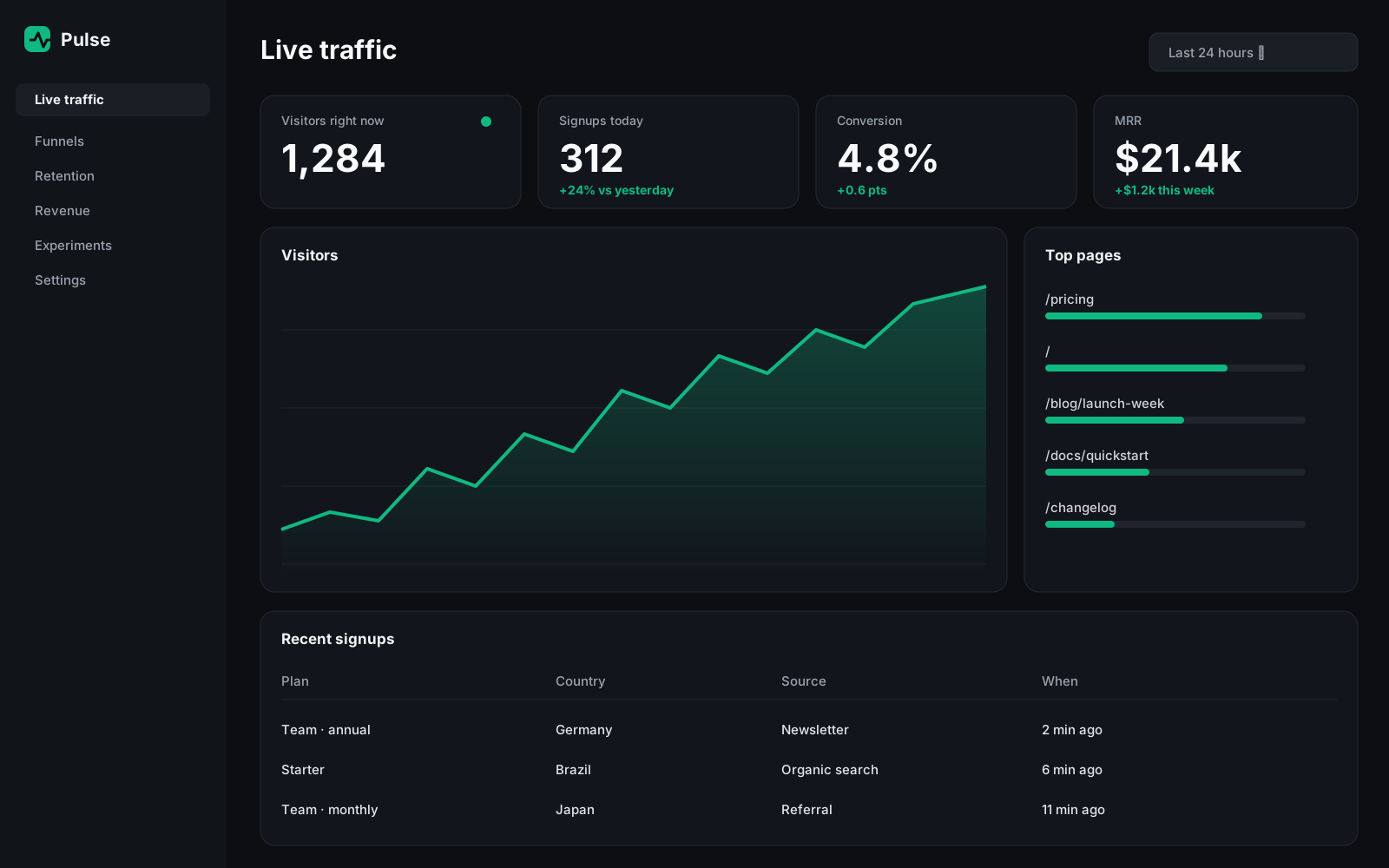
Ten looks. Every one rendered live.
These are not mockup images — each preview below is drawn in your browser by the same engine you will export with. Products shown are fictional demos.
Faster than opening a design tool.
Ten designer templates
Floating browser, dark luxury, cinematic reveal, launch-day cards and more. Each one adapts to your screenshot and every canvas size.
Animated MP4 & WebM
Six motion presets — zoom, float, slide, spotlight and cinematic entrances — encoded right in your browser.
Every channel in one click
Square, portrait, story, link preview and 16:9. Switch sizes without redoing your layout.
Private by design
Your screenshots never leave your device. No account, no upload, no waiting in a render queue.
Brand presets
Save your colours, fonts and domain once. Apply them to any template in a click.
Undo, autosave, projects
Experiment freely. Everything autosaves locally, and projects can be exported as files.
Free to start. Simple to upgrade.
Everything you need to make great launch visuals.
- 6 templates, all canvas sizes
- PNG, JPEG and WebP at full size (e.g. 1080×1080)
- Animated previews, plus 720p MP4/WebM exports
- Small “Made with LaunchFrame” badge
- Up to 5 projects saved in your browser
- No account, no upload — runs on your device
For founders and makers who launch often.
- All 10 templates, including premium looks
- No badge on any export
- 2× high-resolution images (up to 3840 px)
- Full-resolution 1080p videos, 30 or 60 fps
- Unlimited projects and brand presets
- Cancel any time from the billing portal
For a single launch. No subscription.
- 30 premium exports, no subscription
- Everything in Creator, per export
- Credits never expire
- One credit covers one design in every image format for 10 minutes; videos use one credit each
Paid plans are not open yet. Everything in the free plan works today.
Prices in euros. Payments are processed securely by Stripe. Cancel the subscription any time from your billing portal.
Questions, answered.
Do I need an account?+
No. Open the editor, drop a screenshot and export. Your projects are saved in your browser automatically. Paid plans use a license key instead of an account.
Can I capture a website from its URL?+
Yes, for public websites. Your browser asks Microlink, a third-party screenshot service, to capture the page. The free quota is limited per visitor per day. Pages behind a login, local pages and some protected sites cannot be captured — take a screenshot and upload it instead.
Are my screenshots uploaded to your servers?+
No. Rendering and exporting happen entirely in your browser. Your images never touch LaunchFrame servers. The only exception is URL capture, which sends the address you type (not your files) to Microlink.
Which formats and sizes can I export?+
Images: PNG, JPEG and WebP (WebP where your browser supports it). Videos: MP4 and WebM where your browser can encode them. Sizes: 1080×1080, 1080×1350, 1080×1920, 1200×630 and 1920×1080. Creator exports images at 2× resolution.
What is the difference between Creator and the Export Pack?+
Creator (€9/month) unlocks unlimited premium exports while subscribed. The Export Pack (€7, one-time) gives 30 premium exports that never expire. One credit covers one design in every image format for 10 minutes; each video uses one credit.
How do I cancel or change my payment method?+
Open License & billing, then Manage billing. Stripe’s secure portal lets you cancel, update your card and download invoices. If you cancel, you keep Creator until the end of the paid period.
More in the help center.
Launching soon? Make it look like it.
Your first visual takes about thirty seconds. No account needed.
Open the editor — it’s free